15 Best SEO Plugins for WordPress (2026)
Search engine traffic can make or break a WordPress website. If your site isn't optimized and you aren't investing in SEO, your content will struggle to reach its target audience. That is where SEO plugins come into play.
They help you rank in search results, fix technical issues, optimize content in the best possible ways, and build a strong presence in the digital world without much coding skills.
In 2026, SEO is more competitive than ever. Google algorithms are constantly evolving, AI search is on the rise, and website preference significantly impacts search rankings. Choosing the best SEO plugins for WordPress is not just about adding meta tags.
A comprehensive solution is necessary to address various aspects, including on-page SEO, schema markup, internal linking, speed optimization, and content analysis.
This guide will help you choose the best SEO plugins for WordPress based on features, performance, and value for money. Whether you are a beginner or a serious professional and are really looking forward to growing organic traffic, this list will give you clear direction.
How We Selected the Best SEO Plugins
Choosing the best SEO plugins for Wordpress is not just about looking at the popularity or download numbers. Many plugins claim to improve rankings, but few deliver exceptional results.
To ensure the list is both practical and trustworthy, our selection process was guided by real-world blogging experience, SEO best practices, and current 2026 ranking factors. Our goal was to recommend powerful, feature-rich, and user-friendly plugins.
1. Real SEO Features That Impact Rankings
First, let's examine the core features that directly influence search visibility. This includes tools to optimize meta tags, create XML sitemaps, manage schema markup, internal linking, and analyze content readability.
Plugins that offer basic and outdated features are not considered. Instead, we focus on solutions that support modern SEO, such as AI content suggestions, automation, and technical SEO fixes.
2. Beginner-Friendly User Experience
A plugin can have impactful features, but if it's too complex, beginners will find it difficult to understand. This is why we evaluated how easy each plugin is to install, configure, and use on a daily basis.
Preference given to plugins featuring simple, easily accessible dashboards, setup wizards, step-by-step instructions, and helpful tooltips. This ensures that even non-technical users can easily optimize their website.
3. Website Performance and Speed Impact
SEO is no longer just about keywords. Google considers core web vitals and page speed as key ranking factors. Heavy plugins can slow down your site, which directly impacts rankings.
During selection, we also checked whether Pugin adds unnecessary scripts, increases database load, or conflicts with caching and performance tools. Lightweight and well-coded plugins have been given high priority.
4. Compatibility With Themes and Other Plugins
WordPress users often utilize multiple plugins for various functions, such as design, security, marketing, and analytics. An SEO plugin should be compatible and work flawlessly with popular page builders, themes, and performance plugins.
We shortlisted tools that show high compatibility with block themes, Elementor, WooCommerce, and multilingual plugins.
5. Regular Updates and Developer Support
SEO trends have changed very rapidly in the modern world, and plugins must evolve with algorithm updates. We assessed the frequency of updates, bug fixes, and new feature additions offered by the plugins.
Plugins backed by an active development team and responsive support were preferred. This ensures long-term reliability and security.
6. Value for Money and Free Features
Many bloggers start with a very limited budget. That is why we have compared the free and premium versions. Plugins that offer useful features in free plans and fair pricing in paid plans have our backing.
We aim to highlight tools that offer the most significant SEO benefits without being costly.
7. Real-World Popularity and Community Trust
Finally, we consider real data such as the number of installations, user ratings, and feedback from bloggers and SEO professionals. Plugins trusted by a large community are active and more stable.
This balanced selection process helped to create a list of the best SEO plugins for Wordpress in 2026.
Quick Comparison Table
Before diving deep into the insights of the plugin, let's have a sneak peek at what they offer. This comparison table will keep you updated on key features, their pricing model, and the best use case for each plugin.
Utilize this table to narrow down the best SEO plugins for WordPress, tailored to your specific requirements, whether it's content optimization, technical SEO, speed enhancements, or internal linking.
Tip: If you are a beginner, focus on plugins that can provide an all-in-one solution for your digital presence. Advanced users can combine multiple plugins for the best possible results for your digital journey.
Best SEO Plugins for WordPress – Quick Comparison
| Plugin Name | Best For | Free Version | Key Features | Performance Impact | Ease of Use |
|---|---|---|---|---|---|
| Yoast SEO | Beginners & content optimization | Yes | Content analysis, XML sitemap, schema basics | Medium | Very Easy |
| Rank Math | All in one SEO automation | Yes | AI suggestions, schema builder, keyword tracking | Low | Easy |
| All in One SEO (AIOSEO) | Business & WooCommerce SEO | Yes | Local SEO, rich snippets, site audit | Low | Easy |
| SEOPress | Lightweight advanced SEO | Yes | White label, schema, redirects | Very Low | Moderate |
| The SEO Framework | Performance focused SEO | Yes | Automated meta tags, spam protection | Very Low | Easy |
| Slim SEO | Minimal setup SEO | Yes | Auto meta tags, schema, sitemap | Very Low | Very Easy |
| Squirrly SEO | AI guided SEO strategy | Yes | SEO live assistant, keyword research | Medium | Moderate |
| WP Meta SEO | Bulk SEO management | Yes | Bulk meta editing, image SEO | Medium | Moderate |
| SmartCrawl | Simple technical SEO fixes | Yes | Sitemap automation, Moz integration | Low | Easy |
| Schema Pro | Rich snippet optimization | No | Advanced schema types, automation | Very Low | Easy |
| WP Rocket | Speed & Core Web Vitals | No | Caching, lazy load, database cleanup | Very Low | Very Easy |
| Autoptimize | Free performance optimization | Yes | CSS & JS optimization, lazy load | Low | Moderate |
| Redirection | Managing redirects | Yes | 301 redirects, error monitoring | Very Low | Easy |
| Broken Link Checker | Fixing SEO errors | Yes | Detect broken links automatically | Medium | Easy |
| Internal Link Juicer | Internal linking automation | Yes | Keyword based linking | Low | Easy |
How to Use This Table Effectively
- If you want a powerful SEO plugin, opt for Yoast SEO, Rank Match, or AIOSEO.
- If your priority is website speed and performance SEO, go for WP Rocket or Autoptimize.
- If you want to improve technical SEO, tools like Redirection and Schem Pro will do the trick for you.
- For better on-page SEO and internal linking, Squirrly SEO and internal link juicer are useful.
This handy comparison table will help you identify the plugins that best meet your needs and optimize your rankings, user experience, and technical SEO.
1. Yoast SEO
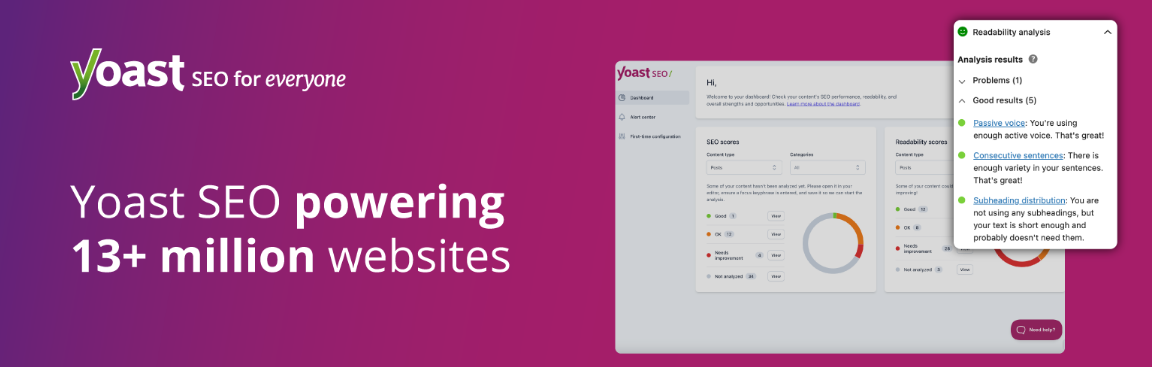
Yoast SEO is one of the most popular SEO plugins in the market. It helps websites to optimize content, improving readability, and managing key SEO settings – no specialized knowledge required. The plugin provides real-time suggestions when you start writing on the website editor, making it easier for everyone to write SEO friendly articles and pages.
This plugin is a goldmine for bloggers, small businesses, and content creators around the world. Even the free version offers strong seo optimizations, while the premium version adds automation, internal linking, and advanced optimization features.
Yoast SEO is trusted by millions of users worldwide and is regularly updated to keep pace with search engine rankings. It is also packed with AI features that help generate optimized titles and meta descriptions.
Key Features
- Real time seo analysis
- XML sitemap generation
- Meta title and description optimization
- AI power title and meta description
- Redirect manager
- Support for multiple focus keywords
- Automated structured data for rich results
Pricing
- Free Version: Packed with core SEO features
- Premium version: Begins at $118.80 annually for a single site, including access to advanced tools and support.
2. Rank Math
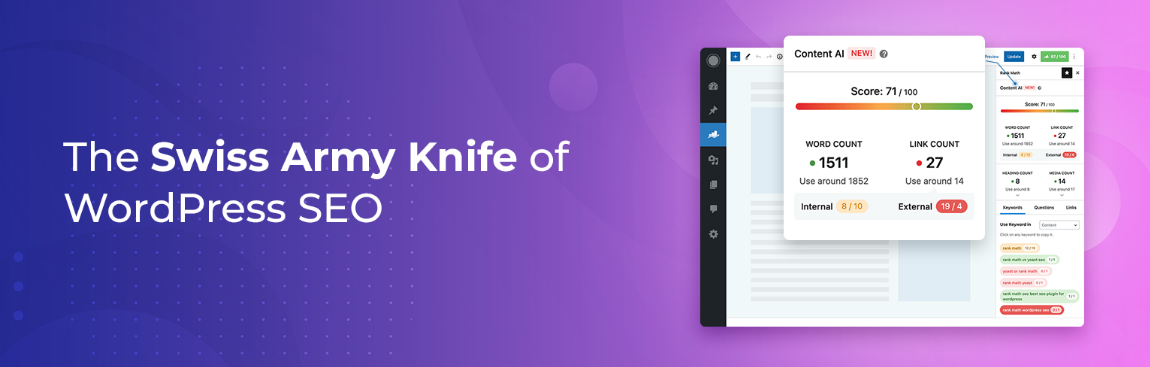
Rank Math does not need any introduction in this list. It offers powerful features and a beginner-friendly interface. It is designed to replace multiple plugins and offer an all-in-one solution. From on-page SEO to schema implementation and keyword tracking, Rank Math provides advanced tools without cluttering the dashboard.
One of the best advantages of Rank Math is its setup wizard, which automatically applies the recommended settings based on the website type you have. This makes it very handy for beginners who want quick results. The plugin's lightweight design helps maintain a fast website speed.
Rank Math also includes AI features that help generate optimized content suggestions, making it easier to optimize content with multiple keywords and improve search visibility.
Key Features
- Easy setup wizard
- Optimize content for multiple keywords
- Advanced schema generation
- XML sitemap generator and Search console integration
- AI content suggestions and SEO scoring
- Internal linking suggestions
- Redirection manager
Pricing
- Free Version: Includes many advanced SEO features
- Pro Version: Starts at $69 per year for additional AI tools. tracking and multiple schema options
3. All in One SEO (AIOSEO)
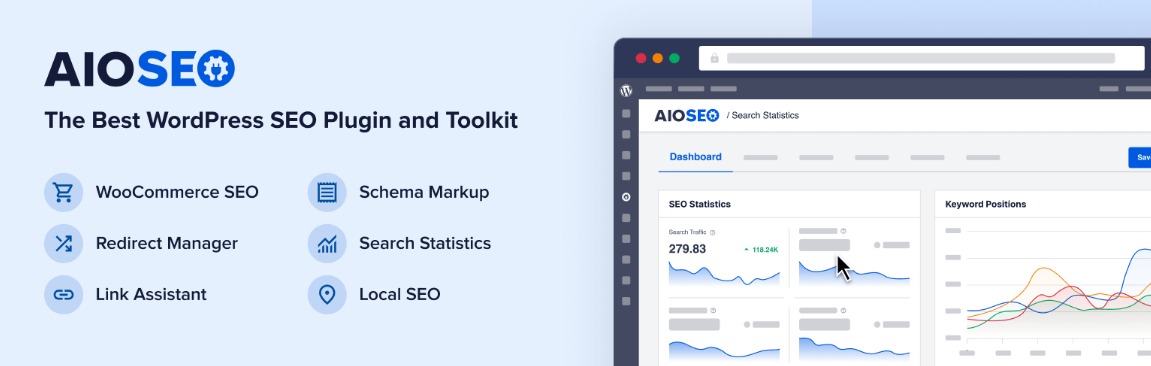
AIOSEO, or All-in-One SEO, is a well-established and powerful name in the SEO plugin industry. It is a popular choice among bloggers, business websites, and WooCommerce store owners globally. The plugin offers a comprehensive SEO toolkit, designed to streamline the SEO process for users of all skill levels.
AIOSEO's quick setup wizard is a standout feature that automatically applies essential settings upon installation. This saves tons of time for users. This plugin also provides on-page suggestions when you are drafting content in the WordPress editor.
AIOSEO excels in local SEO, rich snippets, and e-commerce optimization, solidifying its position as a valuable choice for businesses of all kinds. It is regularly updated and works smoothly with all page builders and themes.
Key Features
- Easy setup
- On page seo analysis
- Schema markup integration
- XML sitemap generator
- Social media previews an open graph optimization
Pricing
- Free Version: Available with essential seo tools
- Premium Plans: Start around $49.60 per year for advanced features
4. SEOPress
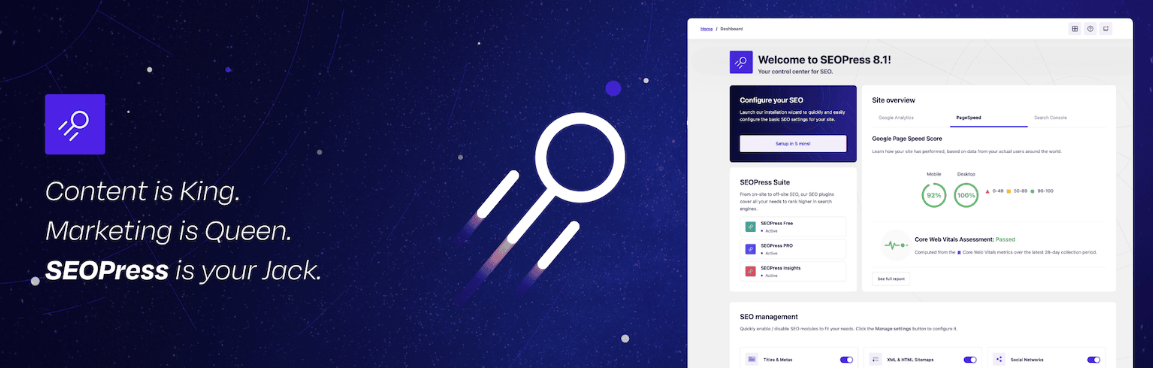
SEOPress is another renowned SEO plugin designed for users who want impactful SEO for their website. It is popular among developers, agencies, and serious bloggers who prefer a clean interface and a performance-focused SEO solution.
The plugin includes essential features such as meta tag optimization, XML sitemaps, schema markup, and social media integration. It also includes redirect functionality, which contributes to improved technical SEO.
SEOPress is well known for its white-label capability, allowing agencies and freelancers to customize the plugin branding for client projects. This is particularly beneficial for website owners and professionals managing multiple WordPress sites.
Key Features
- Meta title and description generator
- XML and HTML sitemap generator
- Advanced schema markup
- Redirect manager
- Social media sharing optimization
- Google Analytics integration
- White label options for eganecies
Pricing
- Free Version: Available with the Cores SEO tools
- Pro Version: Starts at $49 per year
5. The SEO Framework

The SEO Framework is a fast and lightweight SEO plugin built for users who want automated optimization without complex settings. Its focus on performance and simplicity makes it a great option for bloggers and website owners seeking a cleaner dashboard and minimal configuration.
Unlike other plugins, The SEO Framework automatically generates optimized meta tags, a structured sitemap, and sharing settings based on your content. This heavily reduces the owner's task without compromising search visibility. The plugin also avoids unnecessary scripts and advertisements, which in turn makes the website faster.
It also included visual indicators that show how well the content is optimized for SEO, making it easy for beginners to make the needful improvements. Advanced users can expand functionality with extensions, including local SEO support, AMP integration, and spam protection.
Key Features
- Automated meta tag and title optimization
- XML sitemap generation
- Visual SEO status indicators for content
- Spam comment SEO protection
- Extensive support for local SEO and AMP
- No ads or upsell notifications
Pricing
- Free version: Available with essential automation features
- Premium Extensions: Start at $7 per month, depending on modules
6. Slim SEO

Slim SEO is designed for Wordpress users who want simple, essential features without spending much time on complex settings. As the name suggests, the plugin does all the essential stuff in the background. This makes it perfect for beginners, small bloggers, and website owners who don't want any nonsense, just set it and forget it.
The plugin excels at automating meta tag generation, XML sitemap creation, and schema implementation. Slim SEO's minimal interface contributes to faster website speeds, a key SEO ranking factor.
While it may not offer a detailed SEO analysis, Slim SEO works well with other performance tools.
Key Features
- Automatic meta title and description generation
- Built-in XML sitemap generator
- Schema markup
- Breadcrumb support
- Minimal setup
- Compatible with popular WordPress themes
Pricing
- Free Version: Available with core SEO features
- Premium Add-ons: Start around $59 per year
7. Squirrly SEO
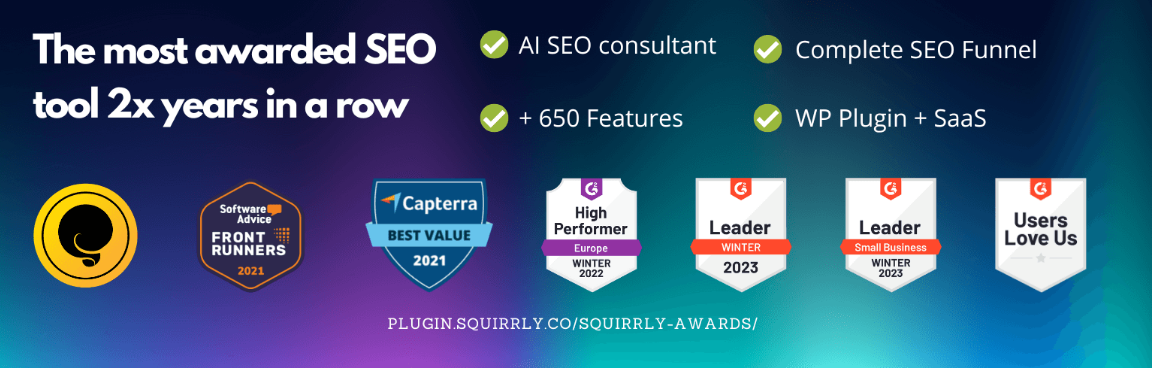
Squirrly SEO is a smart SEO plugin designed for users seeking a step-by-step approach to optimizing their website for search engines. It is best for users who want real-time assistance while writing.
The plugin heavily focuses on strategy and keyword research. It helps users discover top-ranking opportunities, track keyword performance, and create a top-tier SEO plan. This makes it a strong choice for bloggers and marketers seeking a data-driven approach to website improvement.
Squirrly also includes AI insights that suggest improvement based on ranking factors. Navigating the dashboards may seem complex initially, but intuitive tutorials simplify the learning process. Overall, it's one of the best SEO plugins on the market.
Key Features
- Live SEO asssitant
- Keyword research and ranking tracking
- AI based seo audit
- XML sitemap and structured data
- Competitor analysis
- Step-by-step learning process
Pricing
- Free Version: Available with limited keyword research and optimization tools
- Premium Plans: Start around $29.99 per month
8. WP Meta SEO

WP Meta SEO is a practical SEO plugin focused on improving website optimization through bulk editing and structure management tools. It is particularly useful for those website owners who manage large blogs and have multiple pages to optimize metadata efficiently. Instead of editing titles and descriptions one by one, this tool helps to edit them from a centralized dashboard.
The plugin has feature-rich image SEO and link monitoring, which improve overall structure and search visibility. Its intuitive interface makes technical SEO fixes a breeze. This makes WP Meta SEO a good choice for content-heavy websites, agencies, and bloggers seeking greater control over their on-page optimization.
While beginners may need time to understand all the features, the plugin becomes very useful when you start to increase your content production.
Key Features
- Bulk editing of meta titles and descriptions
- XML sitemap generation
- Image seo optimization with automatic alt tag suggestions
- Broken link checker
- Redirect management
- Conte seo scoring and keyword optimization
Pricing
- Free Version: Available with basic optimization
- Pro Version: Starts around $49 per year for advanced seo mangement features
9. SmartCrawl
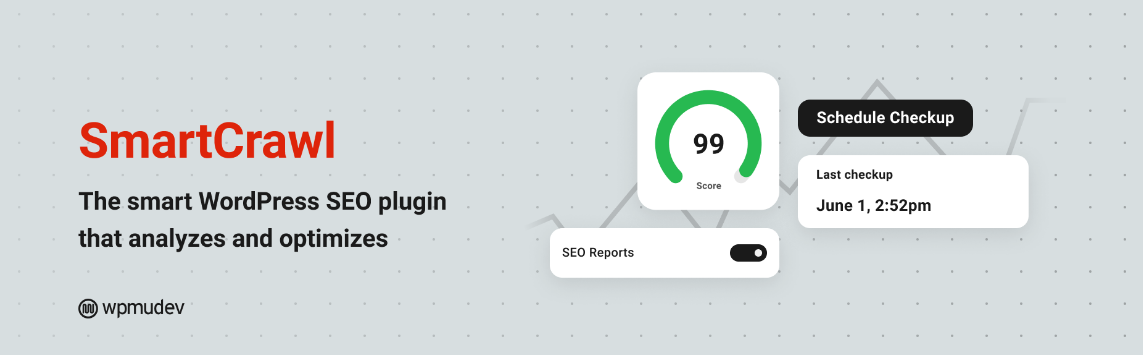
SmartCrawl is a user-friendly SEO plugin that helps WordPress users improve search visibility by automating technical tasks. The plugin helps in Sitemap generation, metadata management, and keyword optimization without requiring any complex configuration.
SmartCrawl excels with its integrations to popular SEO tools and analytics platforms. The plugin addresses issues such as duplicate content, missing metadata, and poor internal linking.
Because of a clean interface and lightweight design, SmartCrwal affects website performance.
Key Features
- Automated meta tag optimization
- XML sitemap generation
- Content readability tools
- Broken link monitoring
- Internal linking suggestions
Pricing
- Free Version: Available with the best SEO features
- Pro Version: Starts at $7.50 per month with support
10. Schema Pro
Schema Pro specializes in enhancing search visibility through structured data and rich snippets. Instead of handling all aspects of SEO like traditional plugins, it helps you stand out in search results by adding schema markup automatically. Thin in turn improves the click-through rate on Google.
The plugin supports various schema types, including articles, reviews, products, FAQs, courses, and local business listings. Seamlessly integrates with various SEO plugins, often serving as an enhancement tool rather than a comprehensive solution.
It is a very lightweight and easy-to-configure plugin. Bloggers, online stores, and service businesses can easily install it and benefit from its proper schema implementation.
Key Features
- Automatic schema markup
- Support for multiple schemas
- Bulk schema mapping
- Compatible with major SEO plugins
- Lightweight design
- Helps enhance CTR
Pricing
- Free Version: Not available
- Premium Plan: Starts around $67 per year
11. WP Rocket
WP Rocket: Optimizing speed for better search rankings. Given Google's emphasis on page speed as a ranking factor, using a reliable caching plugin like WP Rocket can greatly improve SEO.
The plugin is designed to improve page speed. Once activated, it automatically applies all recommended performance settings, which include page caching, browser caching, and file optimization. This helps reduce server load and improve user experience greatly.
WP Rocket offers features such as lazy loading for images, database cleanup, and CDN integration. These optimizations ensure website speed is maintained, even as content grows.
Key Features
- Page caching and browser caching
- CSS and JavaScript for minification
- Lazy loading for images and videos
- Database cleanup
- CDN integration
- Preload cache
- Compatibility with most themes and plugins
Pricing
- Free Version: Not available
- Premium Plan: Starts around $59 per year for one website
12. Autoptimize

Autoptimize: Boosts website speed and improves user experience. Optimized for technical SEO, this plugin dramatically reduces page load times while maintaining core features such as keyword analysis and schema markup. Faster websites tend to rank better and provide a better experience for visitors.
Optimizing scripts, styles, and media types for enhanced performance. It aggregated and minified CSS and JavaScript, reduced HTML size, and supports lazy loading like a charm. These optimizations impact Core Web Vitals, which in turn improve search rankings.
Autoptimize offers both free and premium features, making it a popular choice for bloggers, developers, and businesses seeking cost-effective performance optimizations.
Key Features
- CSS, JavaScript, and HTML minification
- Script aggregation and file optimization
- Lazy loading support
- Google fonts optimization
- Integration with the caching plugin and CDNs
- Option to defer or delay JavaScript
- Simple interface
Pricing
- Free Version: Available
- Premium Add-ons: Start at around $79 per year for advanced performance
13. Redirection

Redirection is a simple and powerful plugin capable of handling your redirects and technical SEO errors. When you change the page URL or delete content, the website starts giving you a 404 error, which can harm search rankings. This plugin does the trick for you and helps you to set up proper redirects.
It is best suited for bloggers, developers, and website owners who frequently update content and migrate websites. Redirection automatically tracks all 404 errors in your website and helps you set up 301 redirects without adding any extra coding.
Because of its lightweight and superior design, this plugin is in demand by website owners. It also supports conditional redirect based on login status, browser type, or referral source.
Overall, Redirection is an essential tool to maintain a healthy website and preserve SEO value.
Key Features
- Easy setup
- Automatic monitoring of 404 errors
- Conditional redirects
- Supports regex for advanced redirect patterns
- Lightweight and friendly design
Pricing
- Free Version: Fully featured
- Premium Version: Not needed
14. Broken Link Checker
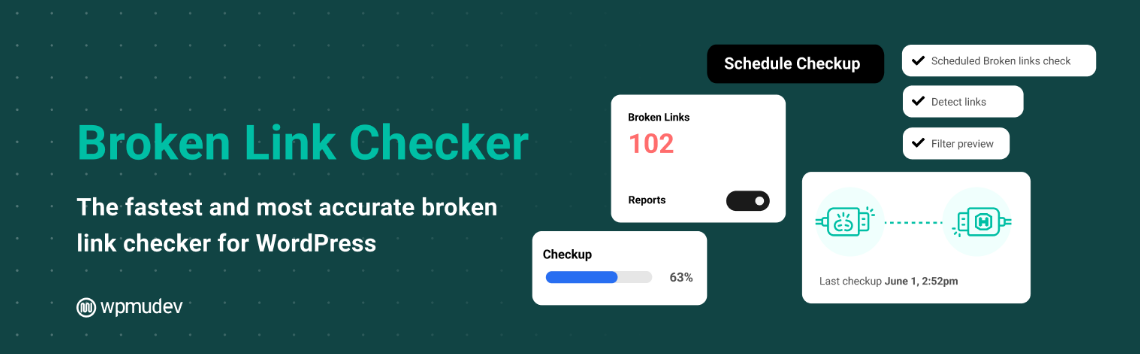
Broken Link Checker is another solid plugin that monitors your website and finds broken internal and external links. When links stop working, they create a bad impression and hurt search engine rankings. This plugin automatically scans your website content to identify and fix broken links.
Ideal for blogs and websites with a large volume of content. The plugins allow you to edit and remove broken links even without opening the post.
Broken Link Checker detects missing images and redirects, ensuring your site remains fully functional. Overall, it is a top-class tool for maintaining technical seo health.
Key Features
- Automatic detection of broken links
- Notifications via dashboard and email alerts
- Quick link editing features
- Identified missing images and redirects
- Supports bulk fixing
- Detailed reports
Pricing
- Free Version: Available with core features
- Premium options: Cloud-based versions available for better performance
15. Internal Link Juicer
Internal Link Juicer is a specialized plugin that helps improve the internal linking structure of your whole website. As we all know, internal links play a major role in helping search engines to understand website hierarchy and distribute link authority across pages. This plugin simplifies the process by automatically creating keyword-based links within your content.
It is best for bloggers or website owners who want to automate internal linking and improve search engine rankings. Instead of manually adding the links to a plethora of content, you can just define target keywords, and the plugin will do the rest for you. This saves a significant amount of time and ensures consistent internal linking across your site.
The plugin prevents over-optimization by limiting link frequency and avoiding self-linking. Internal Link Juicer complements popular SEO plugins effectively.
Key Features
- Automatic keyword-based internal linking
- Link frequency control
- helps distribute link authority across pages
- Supports bulk keyword management
- Simple dashboard
- Compatible with almost any SEO plugin
Pricing
- Free Version: Available with essential features
- Premium Version: Starts around $69 per year
Best SEO Plugins by Use Case
Choosing the best SEO plugins for Wordpress depends on your website goals and technical requirements. Focus on identifying plugins that align with your specific needs, rather than installing numerous tools. This facilitates a focused SEO strategy, ensuring a fast and well-organized website.
For beginners seeking comprehensive, all-in-one solutions, Yoast SEO, Rank Math, and AIOSEO are excellent choices. They have everything a person needs in a top SEO plugin. For prioritizing page speed and Core Web Vitals, WP Rocket and Autoptimize are excellent choices.
For advanced SEO needs, you can combine multiple plugins to achieve better results. For example:
- Use Schema Pro to improve rich snippets and search appearance
- Use Redirection to manage URL changes
- Use Broken Link Checker to maintain SEO health
- Use Internal Link Juicer to strengthen the internal linking strategy
- Use Slim SEO or The SEO Framework for lightweight automation
Selecting plugins that match your specific needs minimizes conflicts, performance issues, and ensures each tool contributes effectively to better rankings.
Free vs Paid SEO Plugins – Which Should You Choose?
When choosing the best SEO plugins for WordPress, many users ponder whether the free version is sufficient or if a paid upgrade is necessary for enhanced results. The answer depends a lot on your website goals and long-term SEO strategy. Free plugins offer essential features that are quite good if you are just starting or a beginner, and want to use them for small websites and personal blogs. However, premium versions provide advanced automation, deeper analytics, and better technical SEO.
Start with a free option and upgrade later as your traffic and content increase. On the other hand, business and competitive niche websites may benefit from paid tools as they save time and effort for larger websites.
Free SEO plugins are best when
- You are running a new blog
- You need basic features
- Your budget is very limited
- You want to learn SEO
Paid SEO plugins are worth it when
- You need an advanced schema, AI suggestions, or keyword tracking
- Your website generates leads, sales, or affiliate incomes
- You manage large content sites
- You want priority support
Choosing wisely will help you to get better performance, scalability, and long-term SEO success.
Tips to Choose the Right SEO Plugin
Choosing the right SEO plugin for WordPress is crucial, as it directly impacts your website's optimization and ranking. Overloading your site with plugins can significantly impact performance; therefore, carefully select tools based on your specific requirements.
Start your strategy by understanding your primary SEO goal. If your main focus is SEO optimization, choose a plugin that offers keyword suggestions and readability analysis. If technical SEO and speed are your priority, select lightweight plugins that improve performance and fix crawl issues. Beginner rs always opt for plugins that have a simple setup and clear recommendations
Before choosing a plugin, also check reviews and compatibility with your theme or not.
Practical Tips
- Choose one all-in-one SEO plugin instead of multiple similar tools
- Prefer lightweight plugins
- Check if the plugin supports schema, sitemap, and metadata automation
- Look for regular updates.
Strategic choices are crucial for a strong SEO foundation and enhanced rankings.
Common Mistakes to Avoid
Using the best SEO plugins for Wordpress can improve rankings. Incorrect usage can create multiple problems for long-term SEO growth. Many beginners install multiple SEO plugins, hoping to boost their SEO. In reality, this can cause conflicts, duplicate metadata, and slow website performance. Focus on one primary SEO plugin; avoid using multiple similar tools.
Ignoring plugin configuration is a common mistake; default settings aren't always ideal for every website. It is important to review sitemap options, indexing preferences, and schema settings.
Focusing solely on plugin features can overshadow the importance of high-quality content. SEO plugins can guide optimization, but they can't replace the importance of well-structured content.
Mistakes You Should Avoid
- Installing multiple SEO plugins
- Ignoring technical SEO settings
- Overusing keywords
- Neglecting website speed
- Not updating plugins
Avoiding these pitfalls leads to more stable rankings and improved search visibility.
Conclusion
Choosing the best SEO plugins for WordPress can significantly impact your website's search rankings. The right combination of content optimization, technical SEO improvements, and performance enhancements helps build a strong foundation for long-term growth.
Instead of relying on many tools, focus on one plugin that can do multitasking and lightweight. With consistent content quality, proper configuration, and regular maintenance, the website's search rankings can be increased.