Best WordPress Backup Plugins for 2026

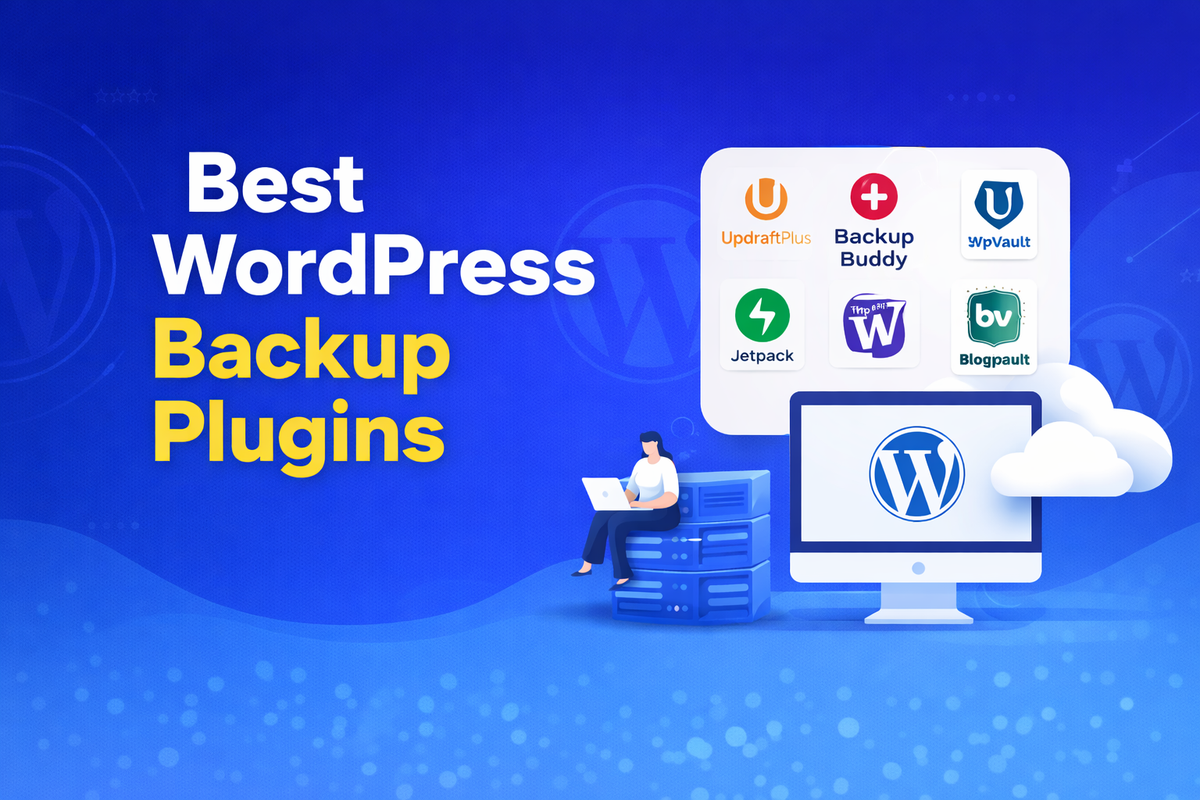
If you run a WordPress website and you say you don't require a backup plugin, you are mistaken. Websites can crash, be hacked, or break at any time. In such a situation, a reliable backup plugin will help you avoid issues such as traffic and revenue loss.
WordPress powers millions of websites around the world. Although the CMS is well-equipped with all essential features, it lacks built-in backup functionality. This means you need a solid backup plugin that can store copies of your website and help you restore it quickly when something goes haywire.
In this guide, we will explore the best WordPress backup plugins for 2026, comparing their top features, pricing, and performance. Whether you're an entrepreneur or business owner, this article will give you insights and help you choose the best backup plugins for your website.
Why You Need a WordPress Backup Plugin
Many beginners mistakenly believe their website hosting agreement protects their data. While some hosts offer limited backups, they are often unreliable or difficult to recover your site during an issue. That's why using one of the best backup plugins is a smart and proactive choice.
A backup file creates a complete copy of all aspects of your website, including files, themes, plugins, media, and databases. If your site experiences technical problems, malware attacks, or accidental deletions. You can restore everything with the blink of an eye. This is incredibly useful, as it also prevents traffic loss, harms SEO rankings, and erodes customer trust.
Here's why every WordPress site needs a backup plugin:
- Protects your website from hacking and harmful malware attacks
- Helps recover data
- Prevents loss during severe crashes or hosting issues
- Saves time with a built-in restore button
- Supports businesses and SEO stability
Key Features to Look for in the Best WordPress Backup Plugins
Not all backup plugins are created equal. When deciding on the best WordPress backup plugins, you need to check for the features really needed for your website and long-term growth. A good plugin creates backups and does so in the simplest, fastest, and most reliable manner.
One of the most important features is automatic backup scheduling. This allows the website to be backed up daily, weekly, or in real time without any further manual intervention. Consider off-site storage options like Google Drive, Dropbox, or cloud servers to safeguard your backups, even if your hosting server experiences issues.
Another crucial feature is easy restore functionality. In an emergency, you should be able to recover with just a few clicks. Performance impact, security encryption, migration support, and incremental backups are also needed additions that improve overall website management.
Essential features to consider include:
- Automatic scheduled backups
- One-click restore
- Cloud storage support
- Real-time backup options
- Beginner-friendly dashboard
Quick Comparison Table (Best WordPress Backup Plugins 2026)
Before choosing from the backup plugins, let's compare these options side-by-side. Each plugin boasts unique advantages. Some offer real-time backups, while others provide free versions, and some are tailored for developers or large businesses.
For instance, UpdraftPlus is popular due to its flexible scheduling options and the range of features available in its free version.
Conversely, Jetpack VaultPress Backup provides automatic, real-time backups, making it a compelling option for WooCommerce sites and those experiencing high traffic.
Similarly, BlogVault stands out from the league by providing incremental backups that run on its servers, reducing load heavily on the hosting environment and improving reliability.
Below is a transparent side-by-side comparison for backup plugins:
| Plugin | Best For | Free Version | Backup Type | Cloud Storage | Ease of Use |
|---|---|---|---|---|---|
| UpdraftPlus | Beginners & bloggers | Yes | Scheduled & manual | Yes | Easy |
| Jetpack VaultPress Backup | eCommerce & business sites | No | Real-time & daily | Built-in cloud | Very easy |
| Duplicator | Migration & cloning | Limited | Full site backups | Yes (Pro) | Moderate |
| BackWPup | Small websites | Yes | Scheduled backups | Yes | Easy |
| WPvivid | Budget users | Yes | Auto & manual | Yes | Easy |
| BlogVault | Large websites | No | Incremental & real-time | Built-in cloud | Very easy |
| Solid Backups | Agencies & developers | No | Scheduled & full | Yes | Moderate |
Best WordPress Backup Plugins for 2026
1. UpdraftPlus

UpdraftPlus is one of the most popular choices when it comes to the best WordPress backup plugins. Trusted by many website owners, it offers powerful backup options within a simple, beginner-friendly interface. Whether you run a personal blog, affiliate site, or small business, this plugin will do the job for you without adding much burden to you.
One of the best advantages of UpdraftPlus is its flexible backup scheduling. You can set automatic backups daily, weekly, or at any custom intervals based on the website activity you have. The plugin supports multiple cloud storage options, including Google Drive, Dropbox, and Amazon S3, ensuring your data stays safe and secure, even in the event of hosting service failures.
Restoring is another seamless thing in UpdraftPlus. With just a few clicks, you can restore files, databases, and these plugins without much technical knowledge. The premium version also includes advanced features such as incremental backups, website migration, and top-tier security options.
Key highlights of UpdraftPlus include:
- Automatic and manual backup options
- One-click restore functionality
- Multiple cloud storage availability
- beginner feinflu dajboatd
- Website migration support (Premium)
2. Jetpack VaultPress Backup

Jetpack VaultPress Backup is considered one of the most reliable options for WordPress users. It is especially best for business websites and online stores. Developed by the team behind WordPress.com, this plugin focuses on real-time cloud backups with instant recovery, making it a top choice for any site.
Unlike many other plugins that back up only once a day, Jetpack automatically saves changes as they occur. This means new blog posts, WooCommerce products, comments, and setting updates are protected in real time. If something breaks, you can do the magic with just one click.
Another advantage is that it's built on a cloud infrastructure. Your backups are stored on WordPress.com servers, reducing load on hosting and improving reliability. Reliability. The plugin offers additional features, like activity logs and unlimited restores.
Key highlights of Jetpack VaultPress Backup include:
- Real-time backups
- One-click restore
- Cloud backup storage
- Activity log
- Unlimited restore options
- Best for WooCommerce and high-traffic sites
- Simple setup
3. Duplicator
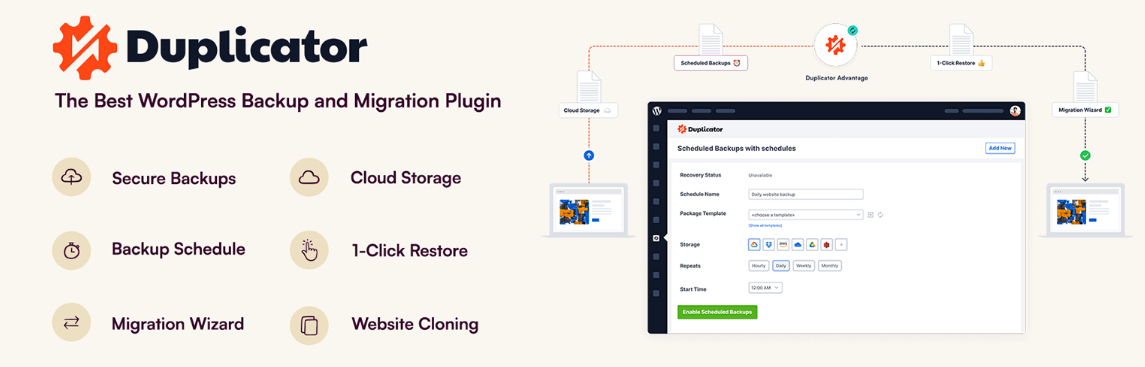
Duplicator is a powerful option for businesses seeking the best backup plugins. It is widely used by developers, freelancers, and bloggers who need a complete replica of their website and want to move safely to another hosting server or domain.
Unlike many WordPress plugins, Duplicator creates a full website package in a simple compressed file. This package includes themes, plugins, media, files, and databases, making it easy to restore your site or create a complete clone anywhere.
This makes it the top choice for those who are switching hosting providers and setting up staging sites.
The free version supports manual backups and basic site migrations, while the pro version includes advanced features such as automatic scheduling, cloud storage integration, and recovery points. Duplicator further enhances security with multisite backup capabilities and secure archive encryption.
Overall, it's a solid choice for users who want reliable backup functionality.
Key highlights of Duplicator include:
- Create full website backup packages
- Easy site migration
- Supports manual and scheduled backups
- Cloud storage integration in the pro version
- One-click recovery
- Works well for both small and large websites
4. BackWPup
BackWPup is a well-known option and is rated highly in the backup plugins list. Ideal for beginners seeking a straightforward, cost-effective backup solution. The plugin focuses on scheduled backups, secure storage options, and an easy-to-use setup, making it the best choice for personal blogs, portfolio sites, and small business websites.
This plugin's key advantage is its ability to automatically create backups and store them in multiple locations, including cloud services, FTP servers, and local storage. This ensures your data remains safe, even in the face of hosting failures or technical glitches.
Although the interface may feel technical at first, most users can do a backup within minutes. The premium version offers additional benefits, such as faster restore options, priority support, and cloud integration. Overall, BackWPup is a reliable option for those seeking a reliable solution without a hefty price tag.
Key highlights of BackWPup include:
- Automatic schedule backup
- Supports multiple backup storage
- Database optimization and repair tools
- Free everison available
- Easy setup
5. WPvivid Backup Plugin
WPvivid backup plugin quickly rose to fame among the best WordPress backup plugins, mainly because of the ton of features it provides on the free version of the plugin. It is for those who want budget-friendly backup solutions, migration support, and simple website management tools all in one place.
One of the features of WPvivid is its ability to perform two major tasks, such as automatic backups and website migration, without the need for additional plugins. This makes it easy for bloggers, affiliate marketers, and marketers who often relocate websites. The plugin supports backups to popular cloud services such as Google Drive, Dropbox, and OneDrive, ensuring data security.
Another advantage is its clean interface, which even a beginner can get right. The premium version unlocks features like a white-label option for agencies, incremental backups, and advanced scheduling.
Key highlights of the WPvivid Backup Plugin include:
- Automatic and manual backup options
- Built-in website migration
- Remote cloud storage
- Beginner-friendly dashboard
- Incremental backup features
6. BlogVault
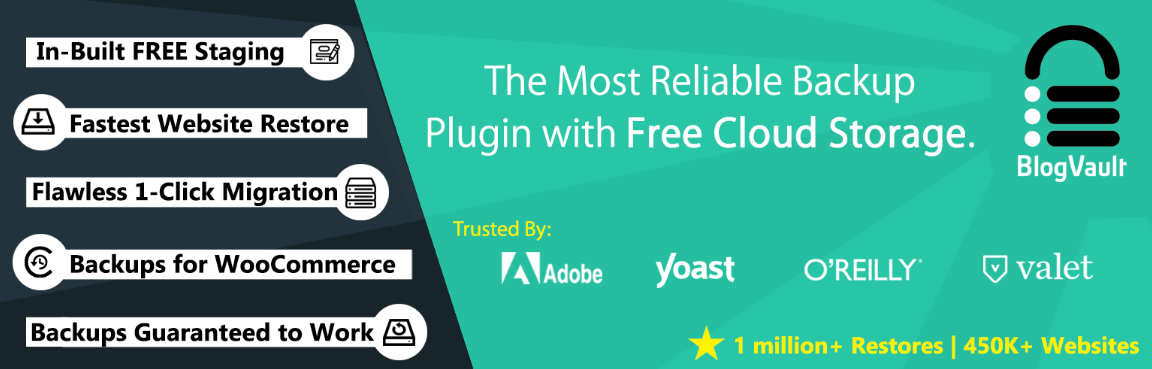
BlogVault is one of the best in the business if you have a large website. Unlike other backup tools that run on a hosting server, BlogVault utilizes its cloud infrastructure for backups. This drastically reduces server load and ensures website performance remains stable.
One of its superior strengths is its incremental backup technology. Instead of backing up the entire website, they perform incremental backups that capture only changes since the last backup. This makes the process incredibly fast and efficient for high-traffic websites. Websites and WooCommerce stores.
BlogVault offers features such as built-in staging environments, malware scanning, and easy website migration. The dashboard is easy for beginners to use; they can make backups and restore them in one click.
Key highlights of BlogVault include:
- Incremental backup functionality
- One-click website restore
- Malware scanning and security monitoring
- Minimal impact on the hosting server
- Ideal for business and high-traffic websites
7. Solid Backups (BackupBuddy Alternative)
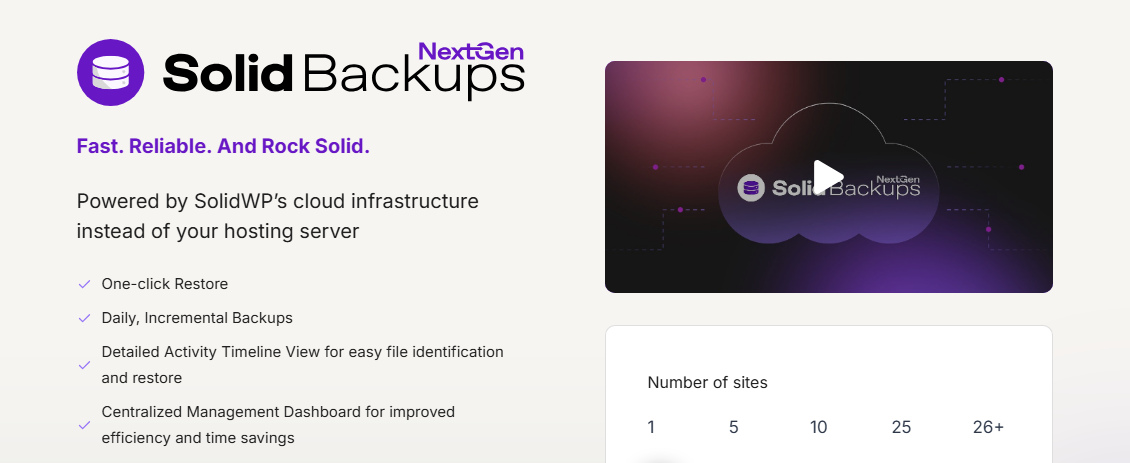
Solid backups are a modern alternative to the popular BackupBuddy, we all know. Best for agencies, freelancers, and advanced website owners. Its main objective is to provide secure schedule backups, flexible storage options, and powerful recovery tools.
One of the key benefits of using the plugin is the ability to automatically create website backups and store them in remote locations such as cloud services and external servers. This always helps users access their data, even when hosting fails. The plugins also included migration features that let users easily move websites to new domains or hosting providers.
Another important aspect is a backup monitoring and notification system that alerts you when scheduled backups fail. While the plugin is premium-only, it provides features like data backup control and robust protection for any professional use case.
Key highlights of Solid Backups include:
- Automatic full website backup
- Secure remote backup storage
- Easy website migration
- One-click restore
- Reliable performance
How to Choose the Right Backup Plugin
With so many options available for backup, selecting the appropriate tools feels like a tedious task. The ideal plugin depends on your budget, technical ease, and how frequently your content changes. A personal blog may require only scheduled backups, while an eCommerce or business site might require real-time protection and advanced features on its side.
Start with what your website requires. If you are the one who publishes daily content or runs online transactions, you should choose a plugin that gives you an edge with automatic and incremental backups.
Ease of use is crucial; prioritize a plugin with an intuitive dashboard navigation and one-click restore options. Conversely, developers may need tools with migration features, staging capabilities, and advanced configuration options.
Tips to choose the right backup plugin include:
- Identify your website size and traffic
- Choose automatic or real-time backup support
- Check one-click restore functionality
- Consider plugin performance and server load
- Compare free vs. premium features side by side
Free vs. Premium Backup Plugins
When exploring the top choice backup plugins, you will notice that most plugins provide both free and premium versions. Free plugins are a great option for beginners who are just starting and don't want to invest in a paid backup solution. They usually provide manual backups, limited scheduling options, and basic cloud integration.
Premium backup plugins, on the other hand, are designed for large and business websites that don't want to be on a problematic site, which indirectly affects their businesses. They include advanced features such as real-time backups and incremental backups, priority support, and faster restore times. Investing in premium backup plugins or their premium versions can reduce risks and provide stronger security for your data.
| Feature | Free Backup Plugins | Premium Backup Plugins |
|---|---|---|
| Cost | No upfront cost | Monthly or yearly pricing |
| Backup Type | Manual or basic scheduled | Automatic, real-time, incremental |
| Cloud Storage | Limited integrations | Multiple and advanced options |
| Restore Speed | Standard restore process | Faster one-click restore |
| Website Migration | Limited or unavailable | Fully supported |
| Security Features | Basic protection | Advanced encryption and monitoring |
| Support | Community or documentation | Priority customer support |
Both options can work; it just depends on your website goals.
How Often Should You Backup Your WordPress Site
The ideal strategy depends on how fast your content changes on the website. Choosing the right backup schedule is crucial to protect your important updates, data, and SEO rankings. Many beginners struggle to consistently schedule backups, which can lead to technical difficulties down the line.
Even with a static website that experiences changes, weekly backups are essential. For frequently updated blogs, a daily backup is recommended for optimal data protection. For online stores and membership sites, frequent transactions demand real-time and incremental backups for optimal protection.
Here’s a simple guideline you can follow:
- Static or business site: Backup once a week
- Regular blog: Backup daily
- High-traffic news or media sites: Backup multiple times a day
- WooCommerce or membership site: Use real-time backups
Selecting the appropriate backup frequency guarantees website stability, reduces downtime, and fosters long-term online success.
Final Verdict—Which WordPress Backup Plugin Is Best in 2026
Deciding the winners is not all about popular plugins; it's specifically about what your website demands. There is no single plugin that fits in every situation. Instead, the best will be the one that fits on your shoes with the right automation, reliability, and ease of use.
For beginners and bloggers, UpdraftPlus is the go-to plugin and the best choice. It also offers the best features in the free version and simple restore options. If you're running a large website, go with Jetpack VaultPress Backup or BlogVault, as they provide real-time and incremental backups.
Freelancers and developers often favour Duplicator or Solid Backups due to their robust migration and cloning features. On the other hand, WPvivid and BackWPup are excellent budget-friendly options.
FAQs About WordPress Backup Plugins
1. Do I really need a backup plugin if my hosting provides backups?
Yes. Hosting backups are useful but not the most reliable option, as they lack storage duration and flexibility.
2. Can a backup plugin slow down my website?
Most modern plugins are well-equipped and meet the required performance. Choosing incremental and off-site backup may further reduce server load to keep your website running in a seamless manner.
3. Where should I store my WordPress backups?
It is always safe to store your WordPress backups on a remote cloud platform, which includes Google Drive, Dropbox or dedicated backup servers, instead of solely relying on local hosting storage.
4. How long should I keep old backups?
A common best practice to keep backups for at least 30 to 90 days.
5. Can I restore specific parts of my website?
Yes. Many advanced backup plugins allow you to restore the database, themes, plugins or media files without affecting the entire site.